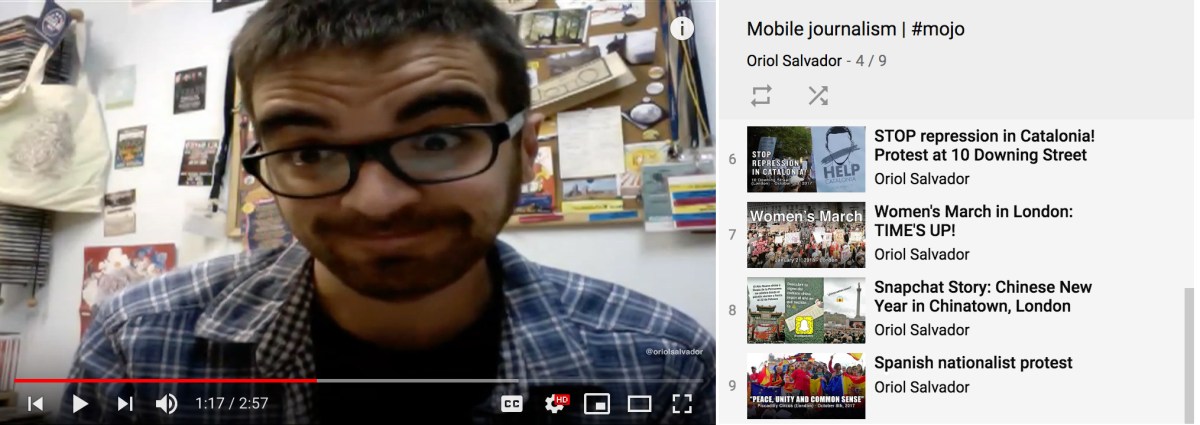
Video content and social media influencers on YouTube can play a key role in the digital marketing strategy of your brand or business.
User habits to consume content in the digital space vary continuously. In this ever-changing environment, video has the highest value, relevance and capacity to adapt to the flexibility users demand.
Consumption of video content represents a third of the total time users spend on the internet and, according to the forecasts and trends from a white paper issued by Cisco, projections say this trend will do nothing but increase in the near future.
Other reports confirm you must invest on video as part of your digital marketing strategy. According to data from Hubspot collected by Forbes on a piece about the relevance of video in the future of content marketing, adding a video to your marketing emails can boost click-through rates by 200-300% and embedding videos in a landing page increase conversion rates by 80%. Most importantly, 90% of customers admit to use videos to decide on the purchase of a product and 64% is more likely to buy it after watching a video about it. Video marketing can be the key to get ahead from competitors, 87% of digital marketers use video on their strategy. In 2017, video ads represented 35% of the overall ad spending online. Among the decision makers in a company, 59% of them would rather watch a video than read a blog post.
If you take a look at the digital marketing campaigns going viral lately, most of them are video-based. It’s virtually impossible to define what makes a viral video but data shows 92% of video consumers using mobile devices share it and a video is 1,200% times more likely to be shared than both links and text combined. A different report indicates 60% of viewers connect with to a video better than to a text.
With all these figures, it’s clear that your digital marketing strategy cannot forget video. And when you look for an online host service to your videos, YouTube stands as the most popular video-sharing platform with over 1.9 billion users who spend, at least, one hour everyday watching videos on average.
Creating a YouTube channel is easy and free. After the uploading process, you can embed videos on your website, a blog post, share on social media or promote them with a video campaign on Google Adwords.
However, considering YouTube is just a free and popular video-sharing service would be a tremendous mistake. The social element of the platform is growing in features and popularity, plus YouTube is the second largest search engine after Google and, according to internal reports, the consumption on mobile devices grows a 100% every year. Continue reading “Add YouTube to your digital marketing strategy”